
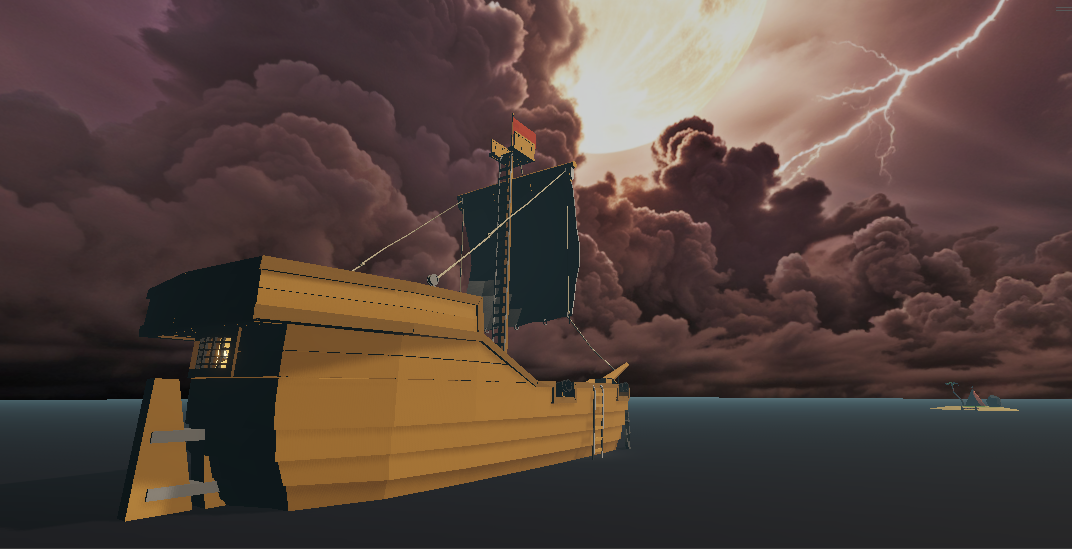
Sink or Save
Defend your treasure or lose it to the sea.
Full Playthrough (8 mins)
INTRODUCTION
This is a VR game created as the Final Solo Project for the Building Virtual Worlds course. Players take on the role of a crew member battling sea monsters during a violent storm, protecting treasure chests, repairing the damaged ship to keep it from sinking, and struggling to survive long enough to reach a distant island. The game explores the immersive capabilities of VR to deliver an intense survival experience, offering players a thrilling adventure built around full-body physical interaction.
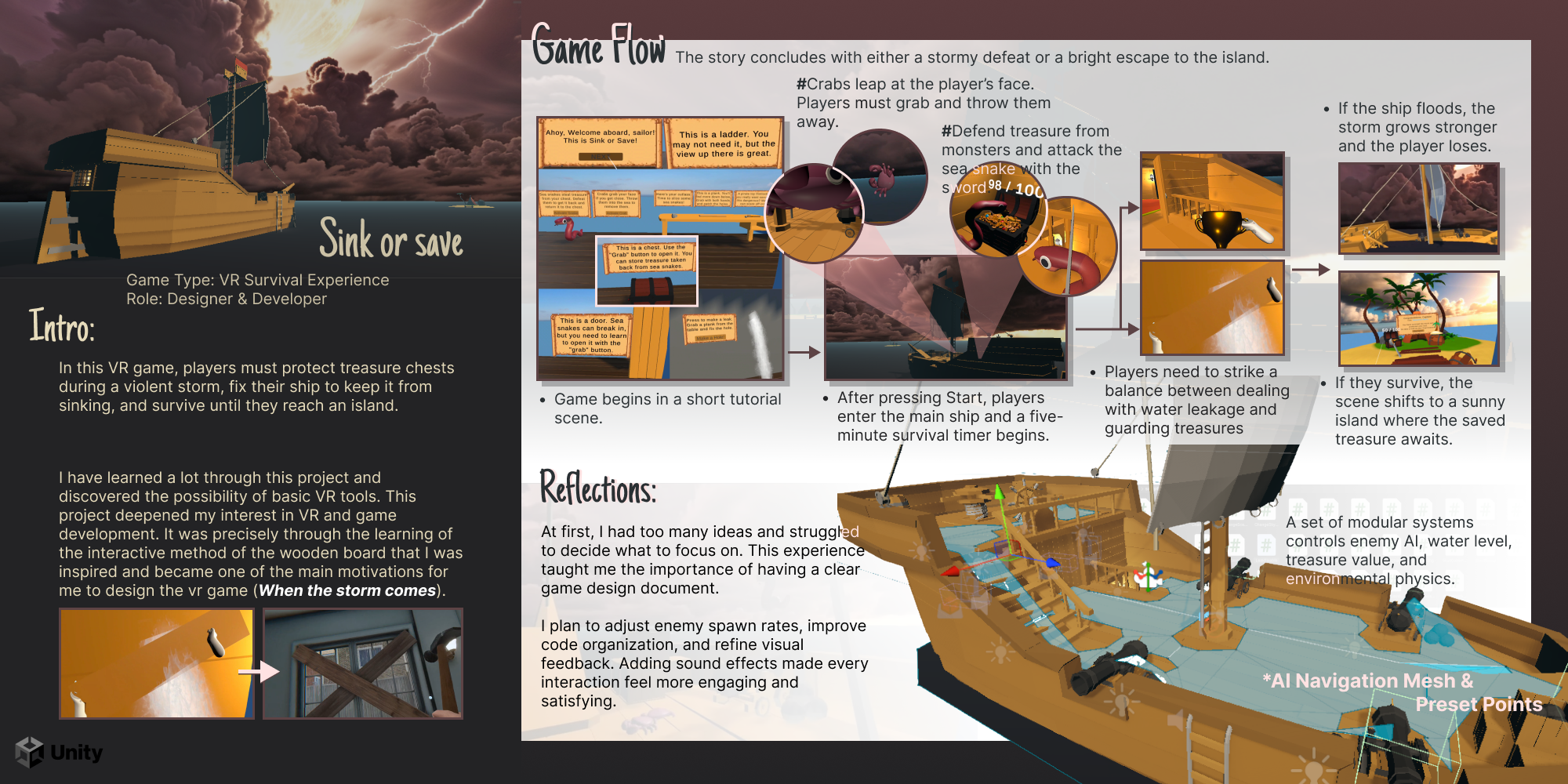
Interaction Highlights
Grab sword & Attack the sea snake
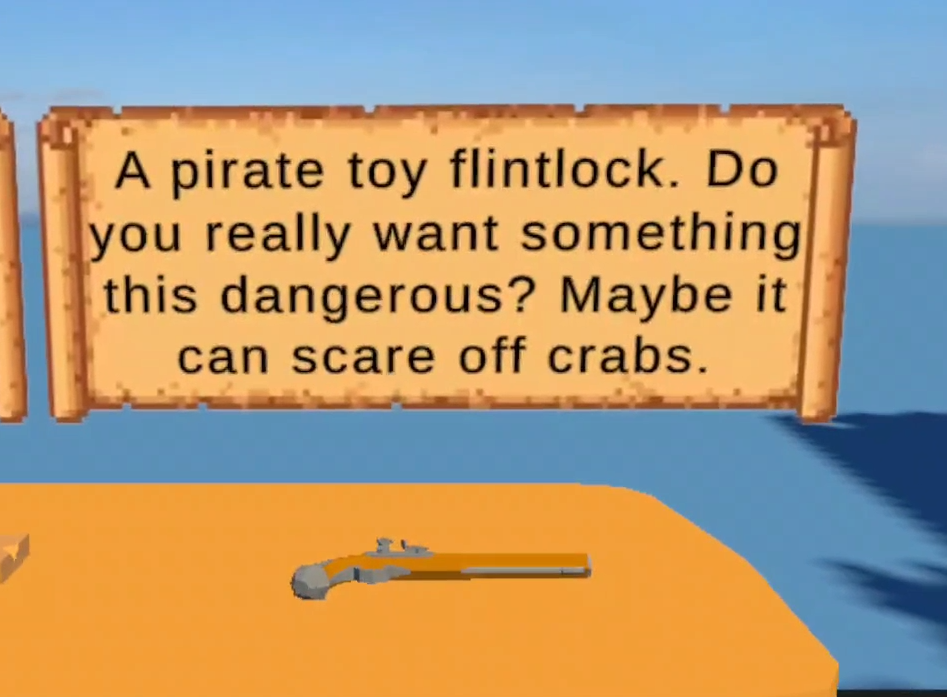
Fire the flintlock pistol
Snake escaping
Open the treasure chest
Grab crabs and throw them away
Win
Patch leaking holes with planks
Place treasure back into the chest
Lose
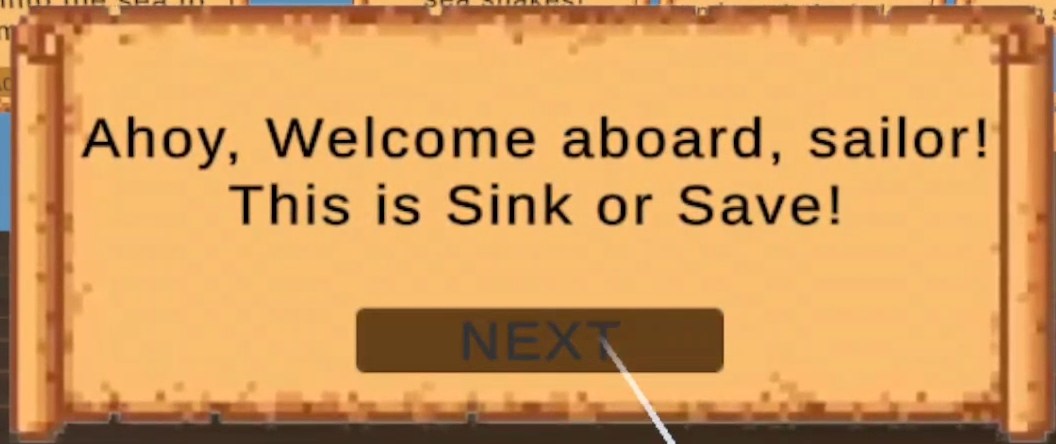
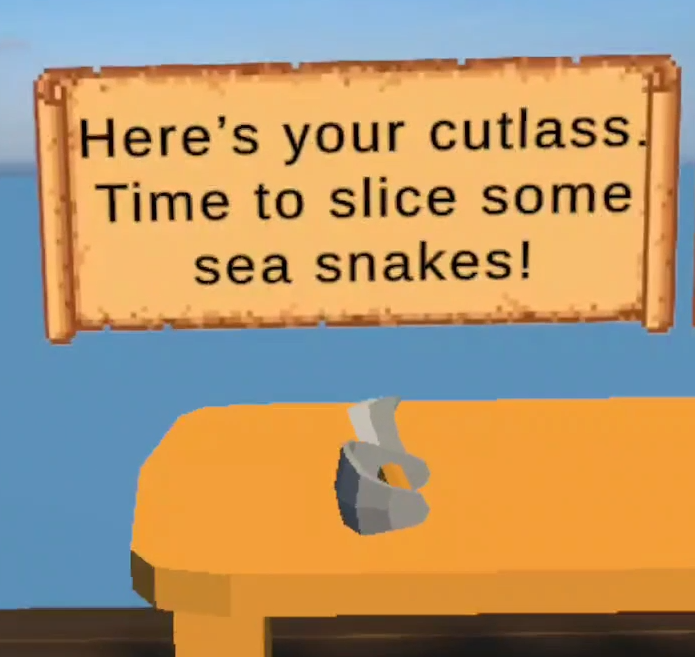
Tutorial
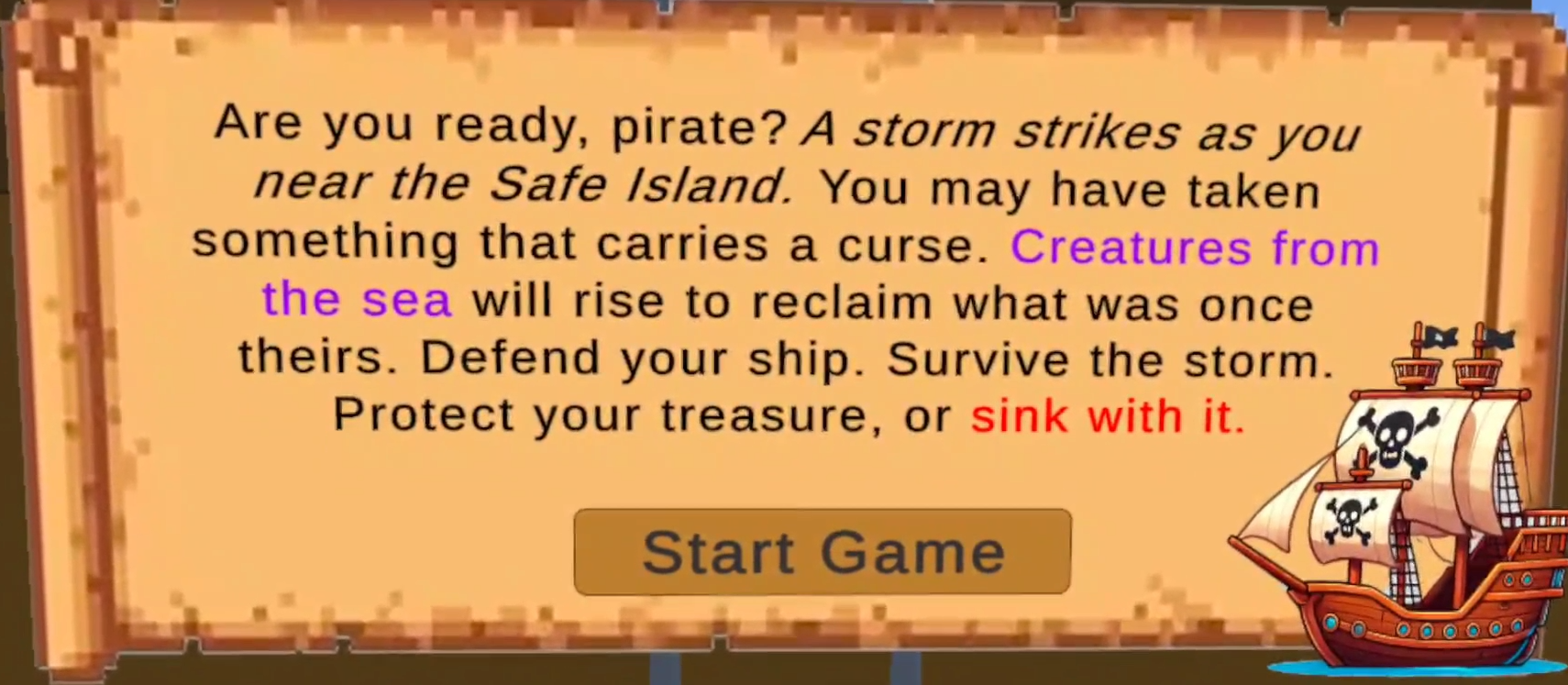
A short introduction appears and follows the player's camera to make sure they understand the basic story before the experience begins.
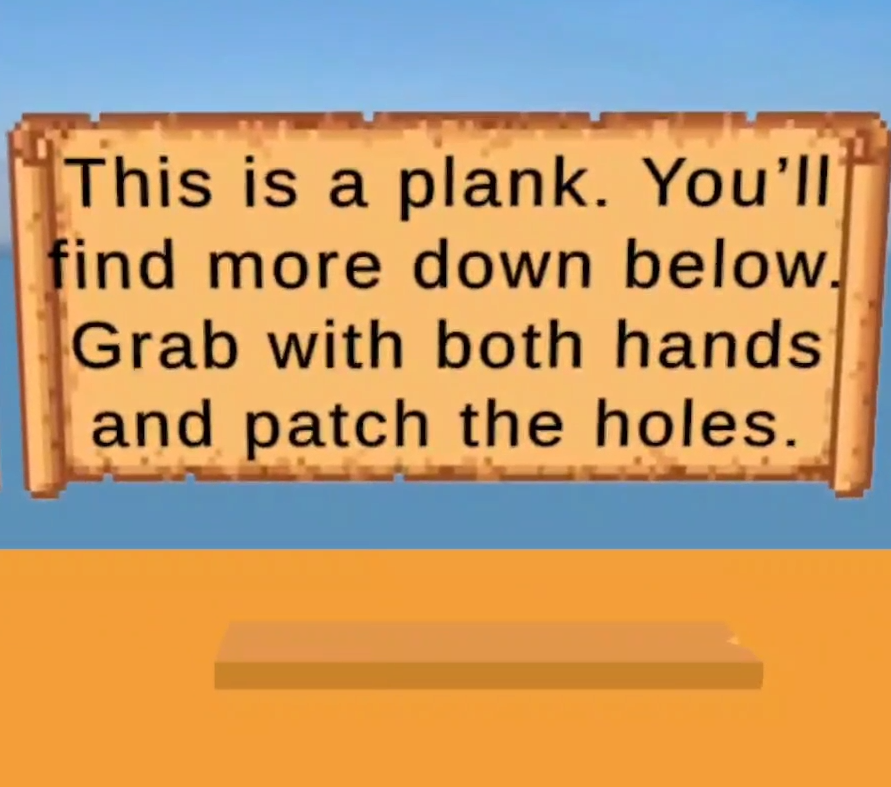
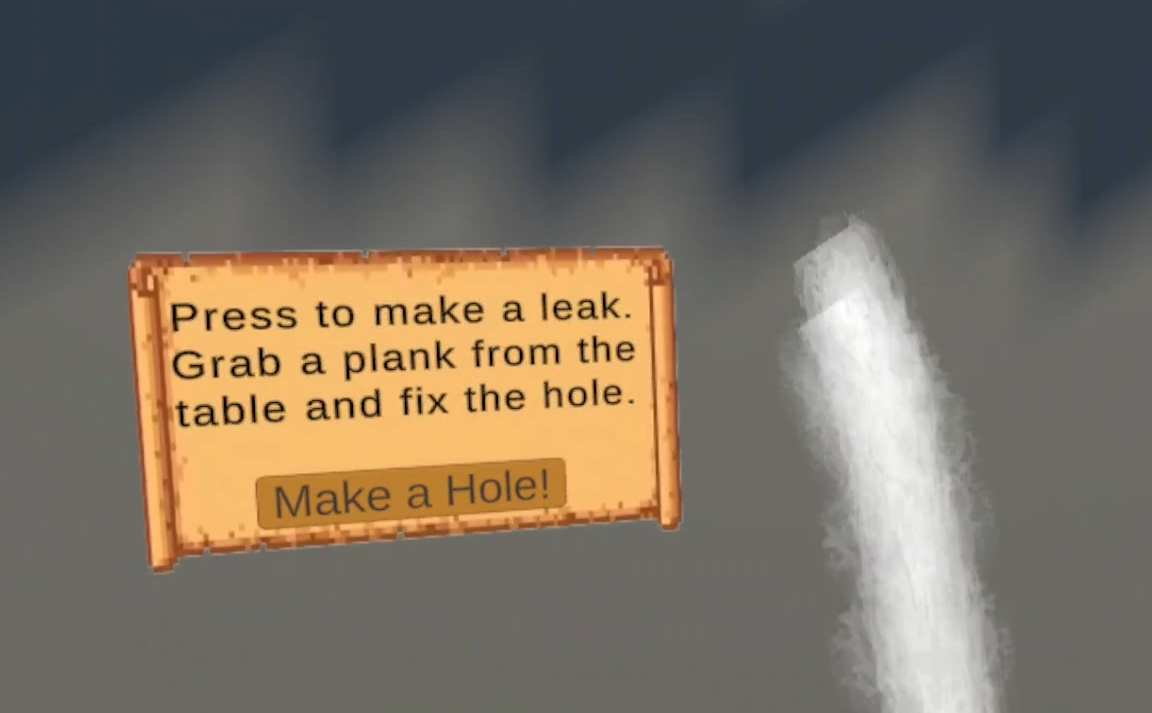
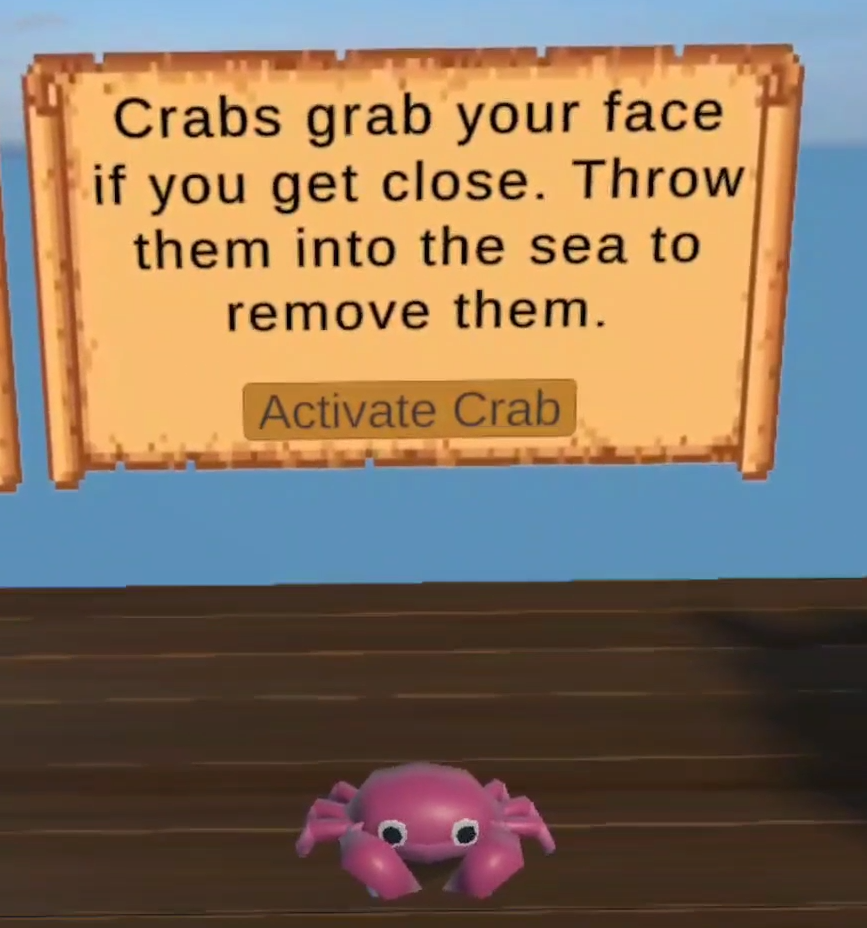
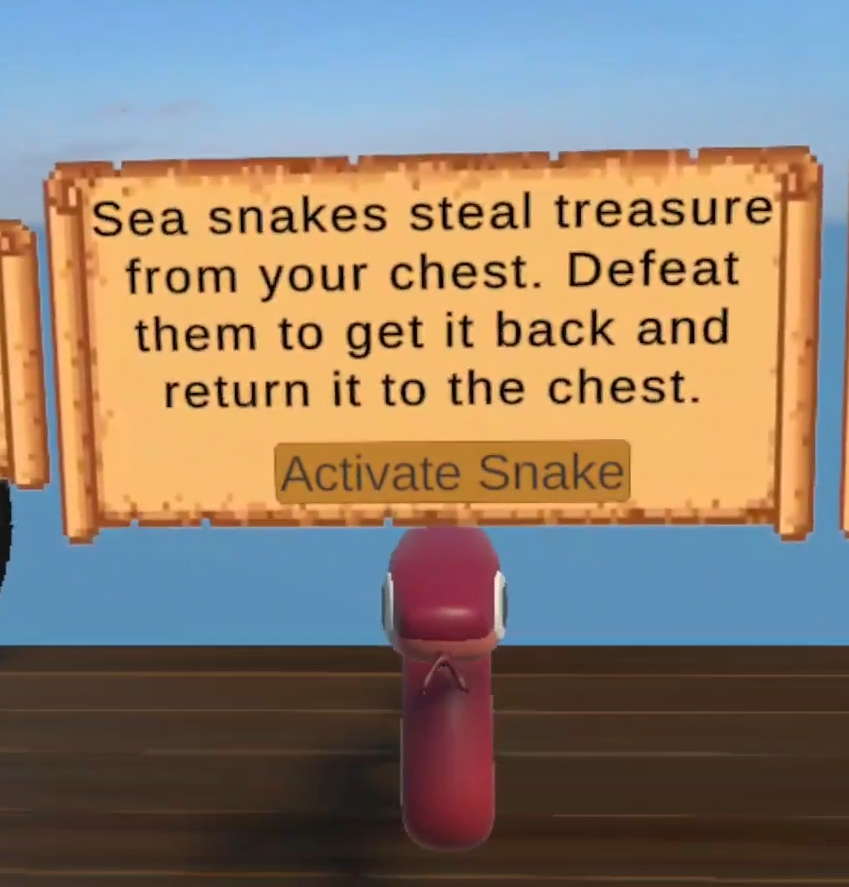
The sea snake and crab stay frozen until the player presses activate, giving time to prepare. Before triggering a leak, the player sees a prompt near the wooden planks that explains how to fix it.
Technical Implements
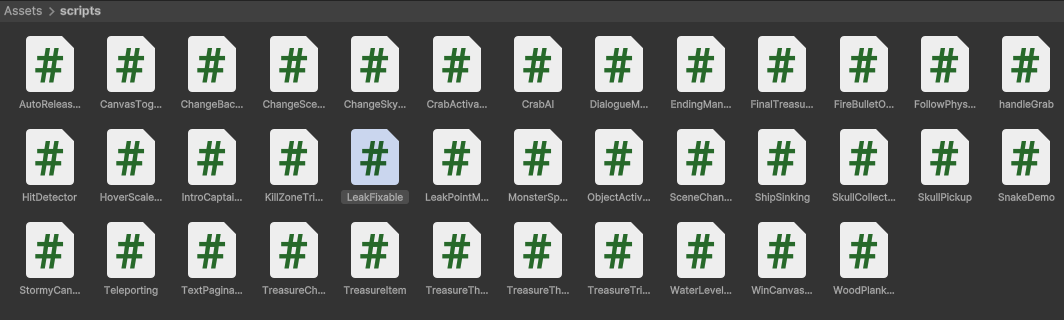
GitHub Repository: https://github.com/LejieHub/Sink-or-Save
(Full scripts and additional details are available on GitHub)

Treasure Value System
Each treasure has a value. Coins are easier for the snake to steal, while trophies are more valuable. After the snake is defeated, any stolen treasure will drop. Only treasures that are picked up and placed back into the chest will count toward the final saved value. At the end, the game passes this data to the ending scene and assigns a title based on the total value.
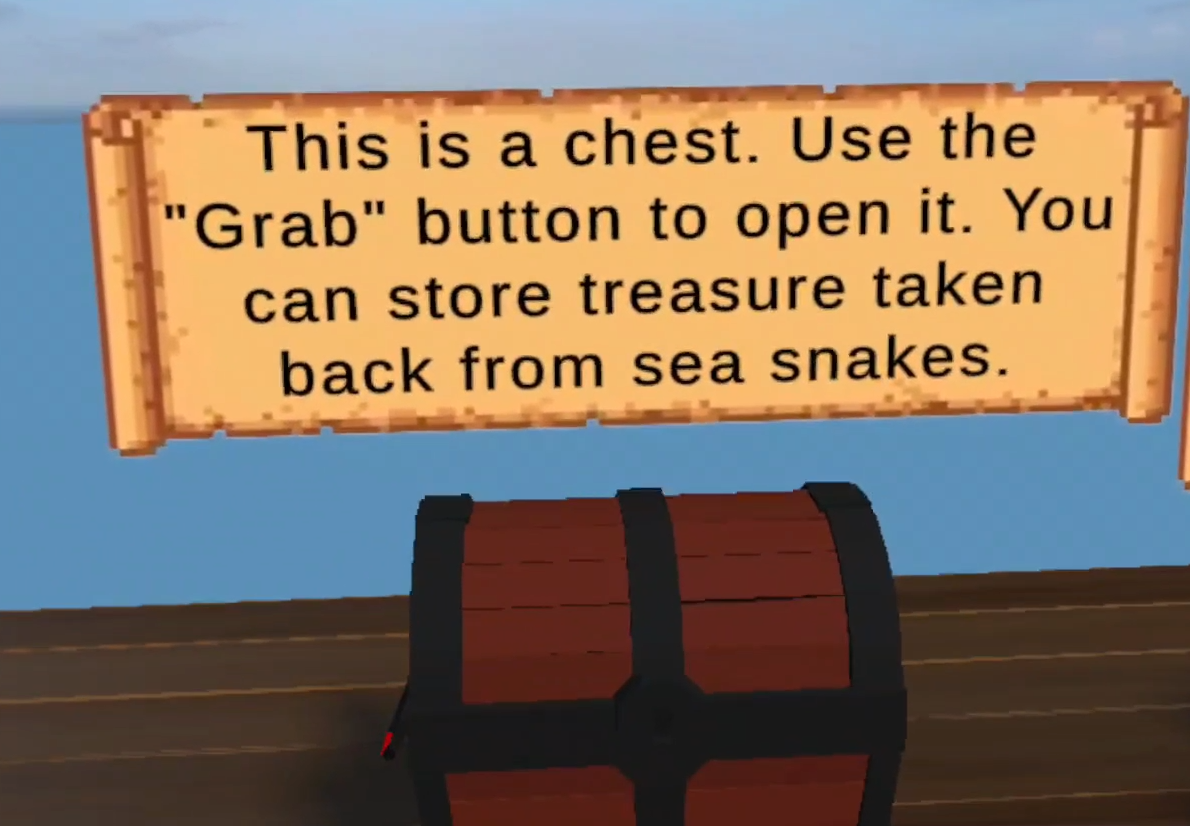
Chest Interaction
A small invisible cube is placed near the chest lock. The player grabs it to open or close the lid.
Snake AI
The snake prefab has a target chest set for movement in the TreasureTheft script. An attach point at the mouth holds the stolen treasure. One trigger detects weapon hits, and another handles collisions. After stealing, the snake moves to an exit point, where it triggers a jump animation and escape logic.
Crab AI
Unlike the snake, the crab uses a detection range and only reacts when the player gets close. Once triggered, it jumps onto the player’s face. The player must grab and throw it away to remove it.
Monster Spawner
The monster spawner uses a list of spawn points and controls the spawn limit and interval between each monster.
Water Level Controller
The WaterLevelController sets the game duration, water rise speed, and the water level limit. The rising speed increases based on the number of active leaks. During gameplay, it constantly checks for active leaks and whether the water has passed the limit or the timer has ended.
Auto Release When Too Far
This script checks the distance between the player's hand and the grabbed object. If the player moves too far while grabbing the door or chest lid, it automatically releases the grab to prevent physics glitches.
Leak Manager
Each leak is managed by the LeakFixable script, which sets the repair time, plays sound effects, and checks for collision with the wooden plank. The LeakPointManager contains fixed spawn locations, but leaks appear at random times based on a set interval. (I later noticed it works a lot like the monster spawner, and they could’ve been merged into one system.)
Kill Zone Trigger
The ocean surface acts as a kill zone to destroy enemies that fall off the ship and prevent unnecessary objects from staying in the scene.
Challenges
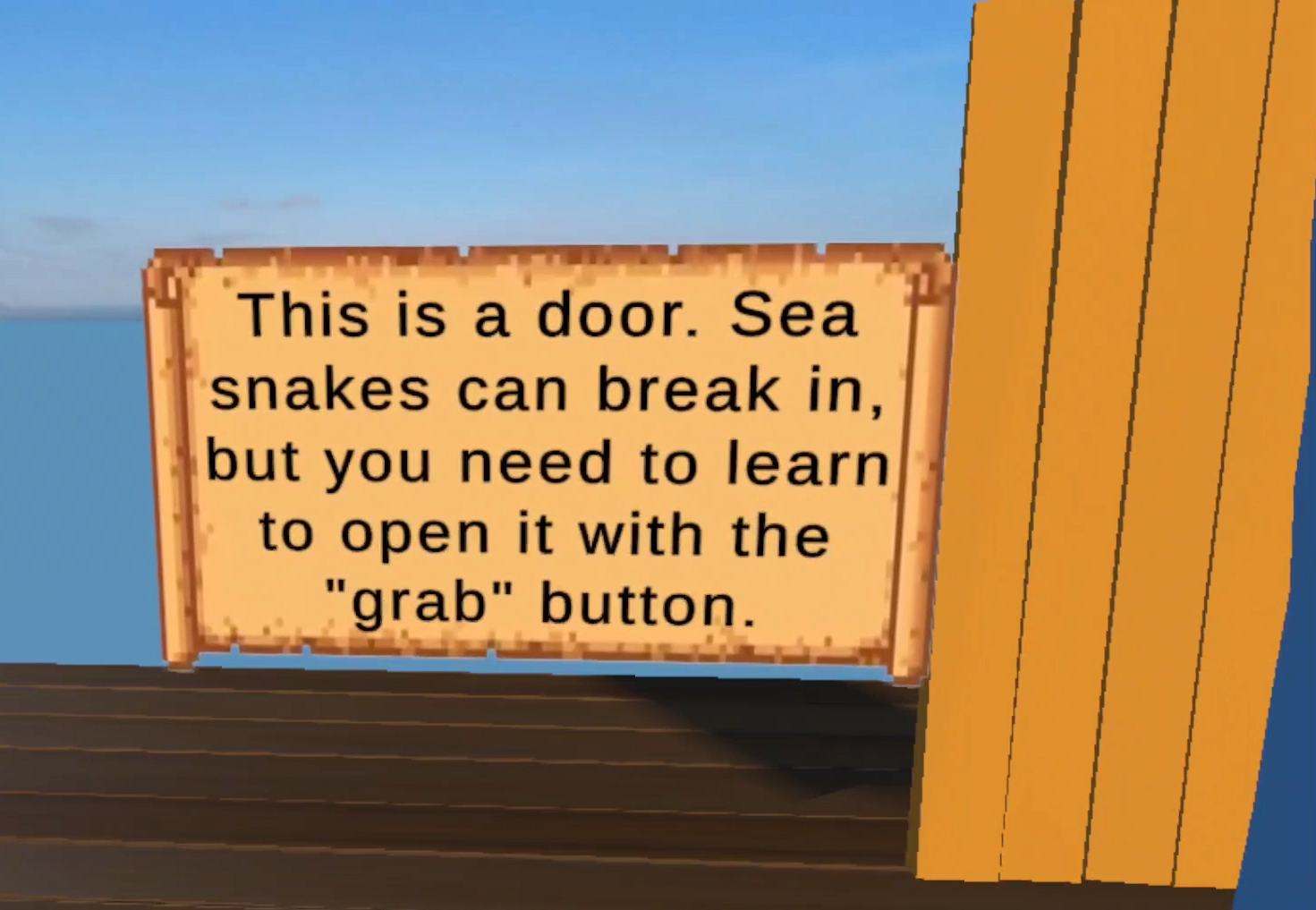
Door Interaction
Grabbing the door handle made it move out of place and jitter. I fixed this by checking the hand’s distance and forcing release. The same fix was used for the chest lid.
Treasure Stealing by Snake
Making the snake carry treasure in its mouth was tricky. At first, the treasure didn’t appear in the right spot due to scale issues with the attach point. I used the Physics Matrix to fix collider issues, so the treasure drops properly when the snake is destroyed and the player can pick it up.
Cartoon Water Shader
The ocean shader looked fine in the Unity simulator but appeared broken in the VR build. I plan to replace it with a simpler shader.
Reflections
In the beginning, I had too many ideas and wasn’t sure what to focus on. This made me realize how important it is to have a clear game design document. I had fun learning how to set up shooting, doors, and AI navigation.
I tried a zoom hover effect, which worked for static props, but felt distracting on moving ones like crabs or doors. I think outline is still the best solution, and I plan to add it next. This is especially important for the wooden plank pile on the lower deck, where an outline would help players notice it more easily.
I also want to tweak the enemy spawn rate and organize my code better.
Adding sound really helped make interactions feel more satisfying.
Overall, I learned a lot in a short time and realized what’s possible with basic VR tools. This project sparked my interest in VR and game development, and I’m excited to keep building.